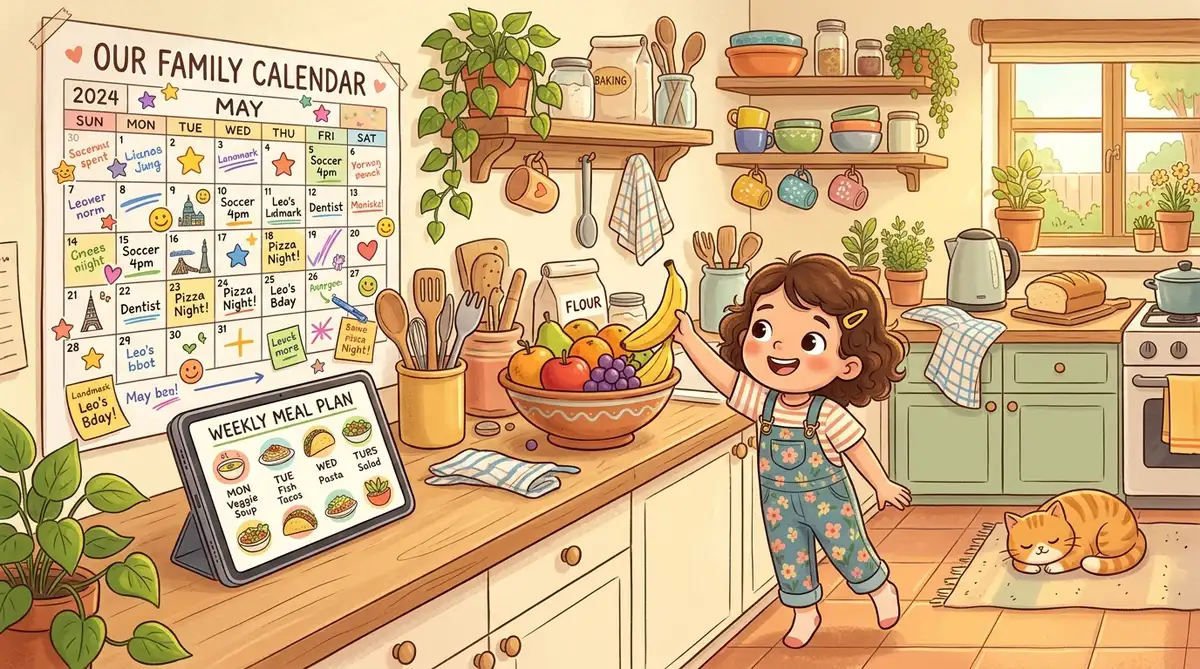

How AI Took Over Our Meal Planning (and We're Not Mad About It)
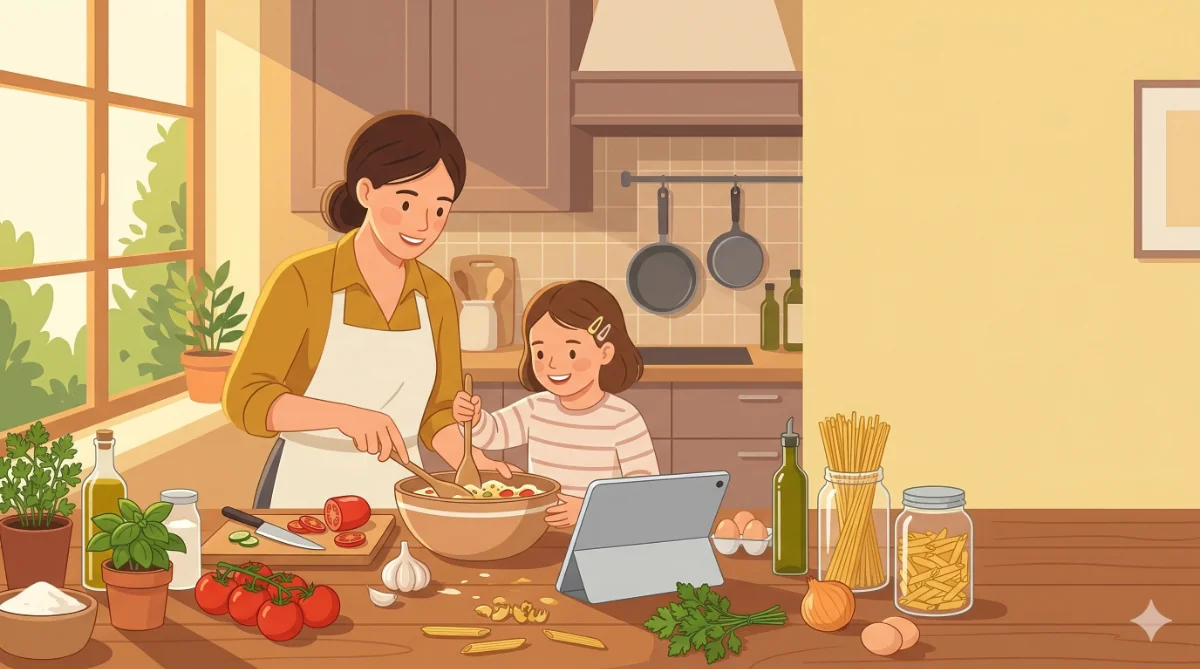
Dinner used to be the worst part of our day.
Not the cooking. Not the eating. The deciding. Standing in front of the fridge at 4:30 PM, two hungry kids asking “what’s for dinner?” and having absolutely no idea. Again. For the third time this week.
We tried meal planning apps. We tried Pinterest boards. We tried a rotating menu taped to the fridge. Nothing stuck because everything required more effort than we had left at the end of the day.
Then we started asking AI to do it, and something clicked. Here’s what happened.
The Problem Every Parent Knows
If you have kids, you know the dinner math: it has to be something at least two family members will eat, it can’t take more than 30 minutes because someone has soccer practice, it has to use things you actually have (or can grab quickly), and it can’t be the same thing you made three days ago.
That’s a lot of constraints. And solving that puzzle every single day is mentally exhausting even though it seems like such a small thing.
The worst part is the guilt. You know you should plan ahead. You know Sunday meal prep would save time. But Sunday comes and goes, and suddenly it’s Wednesday and you’re staring at the fridge again.
What We Actually Did
One Sunday morning, while drinking coffee, we opened ChatGPT on a phone and typed something like this:
Our First Meal Planning Prompt
Plan a week of dinners for our family of four (two adults, two kids ages 8 and 9). Budget is around $100. One kid is mildly lactose intolerant, so go easy on the cheese. Both kids prefer plain-ish food. No seafood. Max 30 minutes of cooking time per meal. Include a grocery list at the end.
It came back with seven dinners and a grocery list in about 90 seconds. And honestly? The meals were reasonable. Chicken stir-fry with rice. Taco night with ground turkey. A slow cooker chili we could start in the morning. Pasta with meat sauce. Simple, real dinners.
Were they gourmet? No. Were they things our family would actually eat? Yes. And that’s what matters on a Tuesday night.
The Part We Didn’t Expect
The first week went well enough that we tried it again the next Sunday. And the next. After a month, something shifted in our household.
The daily “what’s for dinner” stress just stopped. We knew what we were making every night. The groceries were already in the fridge because we shopped from the AI’s list on Sunday. The kids stopped asking because the plan was on the kitchen counter.
It freed up way more mental space than we expected. Dinner planning doesn’t seem like a big deal until you stop doing it and realize how much brain power it was quietly eating up every day. Our evenings got calmer. We stopped ordering takeout twice a week. We even started eating dinner earlier because there was no 30-minute “decide and scramble” phase.
How We Fine-Tuned It
The first few plans needed adjustments. AI doesn’t know that our 8-year-old picks out anything green or that Tuesdays are crazy busy. But that’s easy to fix.
After the first plan came back, we’d say things like “make Thursday simpler, we’re always exhausted” or “our daughter won’t eat the stir fry, swap it for something with pasta.” Each tweak takes about 10 seconds.
After a few weeks, we built up a prompt that knows our family:
Our Refined Prompt
Plan this week's dinners for our family of four. Here's what you need to know about us:
- Two adults, two kids (8 and 9)
- One kid is mildly lactose intolerant
- Both kids prefer simple flavors, nothing too spicy or saucy
- Budget: $100/week for dinners
- Monday and Wednesday need to be 15-minute meals (busy activity nights)
- We like: tacos, pasta, chicken dishes, breakfast-for-dinner, soup in winter
- We don't like: seafood, anything with too many steps
- Make one meal a slow cooker recipe we can start in the morning
- Grocery list at the end, organized by store section
That prompt lives in a note on a phone. Every Sunday: open AI, paste it in, tweak if needed, shop from the list. The whole process takes about five minutes, and dinner is handled for the week.
Family Tip
The Grocery List Is the Secret Weapon
Honestly, the meal suggestions are helpful, but the grocery list is where the real time savings come in. AI organizes it by store section: produce, dairy, meat, pantry. One trip through the store, no backtracking, no “wait, did I need onions?”
If you use grocery delivery or pickup, paste the list right into the app. We’ve gone from spending 45 minutes wandering the store to a 20-minute pickup run. Over a month, that’s about four hours of time back. Four hours we spend doing literally anything other than grocery shopping.
What About Leftovers and Pantry Staples?
This is where it gets fun. Tell AI what you already have and it adjusts.
“We have leftover roast chicken from Sunday. Use that for Monday’s dinner.” Done. “We already have rice, pasta, canned tomatoes, and frozen broccoli. Build the plan around what we need to buy, not what we have.” It recalculates the grocery list to only include what’s missing.
Last week we told it we had a freezer full of ground turkey from a sale. It built four of the seven dinners around turkey and dropped our grocery bill to $62. That kind of adjustment would take us 20 minutes of mental math. AI did it in seconds.
You can even describe what’s in your fridge and ask for a meal from just those ingredients. “I have chicken thighs, rice, soy sauce, and frozen vegetables. What can I make in 20 minutes?” It’s like having a personal chef who works with whatever’s on hand.
Trying It Yourself
You don’t need to go all-in with weekly planning right away. Try it for one night. Tell any free AI tool what you have in the fridge and ask for a dinner idea with cooking instructions. See if the suggestion is something your family would actually eat.
If it works, try a three-day plan next week. Then a full week. Build up to whatever level of planning fits your household. The goal isn’t perfection. It’s just making dinner less stressful.
- Open any free AI tool (ChatGPT, Claude, or Gemini)
- Tell it about your family (size, ages, budget, dietary needs)
- Ask for a week of dinners with a grocery list
- Tweak any meals that don’t fit your week
- Save your prompt for next Sunday
- Shop from the list and enjoy a week of planned dinners
Our family’s meal planning went from the most stressful 30 minutes of the day to a five-minute Sunday task. That’s not a technology flex. It’s just a genuinely useful thing that made our evenings calmer.
If dinner stress is part of your life, give it a try. Your 4:30 PM self will thank you.
Share this article
If this helped, pass it along.