
How We Built Custom AI Tutors for Our Homeschool Kids
When our family started using AI for homeschooling, we did what most people do: we opened ChatGPT and typed “help my kid with math.”
It was fine. Generic, but fine. The AI gave correct answers. It could explain things step by step. But it didn’t know our kids. It didn’t know that our son has ADHD and loses focus after about five minutes of anything that feels like a worksheet. It didn’t know that our daughter learns best when she can make something with her hands.
So we built custom AI tutors for each of them. Ones that actually know how they learn. And the difference was night and day.
Why Generic AI Tutoring Falls Short
Off-the-shelf AI tutoring works like a patient textbook. It explains things clearly, answers follow-up questions, and never gets annoyed. That’s an upgrade from “Dad, can you help me with fractions?” at 8 PM when your brain is already done for the day.
But kids aren’t generic learners. A kid with ADHD needs short interactions, frequent rewards, and novelty to stay engaged. A hands-on learner needs projects, not explanations. A visual learner needs diagrams, not paragraphs.
Regular AI doesn’t account for any of that unless you tell it to. Every single time. In every conversation. Which is exhausting and defeats the purpose of having a tool that’s supposed to save you time.
Custom AI tutors solve this by baking your kid’s learning profile into the instructions once. After that, every interaction automatically adapts to how they learn.
Our Son’s Tutor: Short, Fun, and Game-Oriented
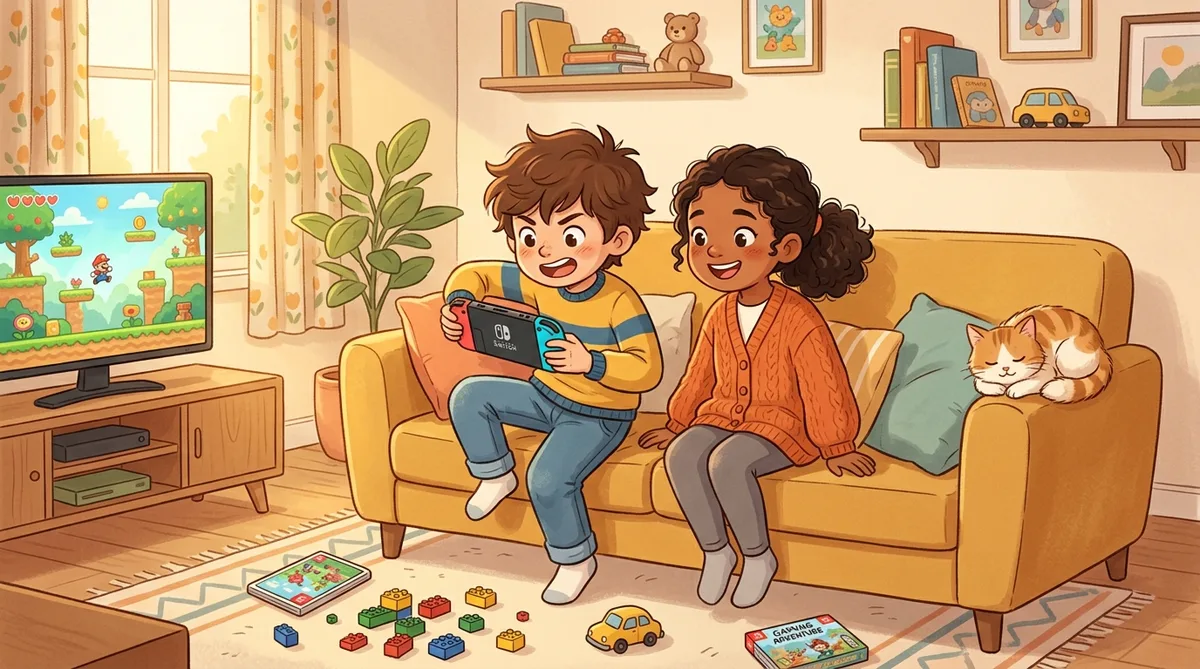
Our 9-year-old is a strong reader who devours books and wikis but struggles with anything that feels like “school work.” He has ADHD, loves Minecraft and Mario, and will happily spend two hours on something he chose to do but melts down after 10 minutes of something assigned to him.
His custom tutor knows all of this. Here’s the core of how we set it up:
How Custom GPTs Work
The tutor’s key rules:
- Keep every interaction under 5 minutes
- Turn everything into a game, challenge, or quest when possible
- Use Minecraft and Mario references to explain concepts
- Never say “now let’s practice” because that triggers the shutdown
- If he’s losing interest, switch topics immediately instead of pushing
- Celebrate small wins constantly
- Ask questions instead of lecturing
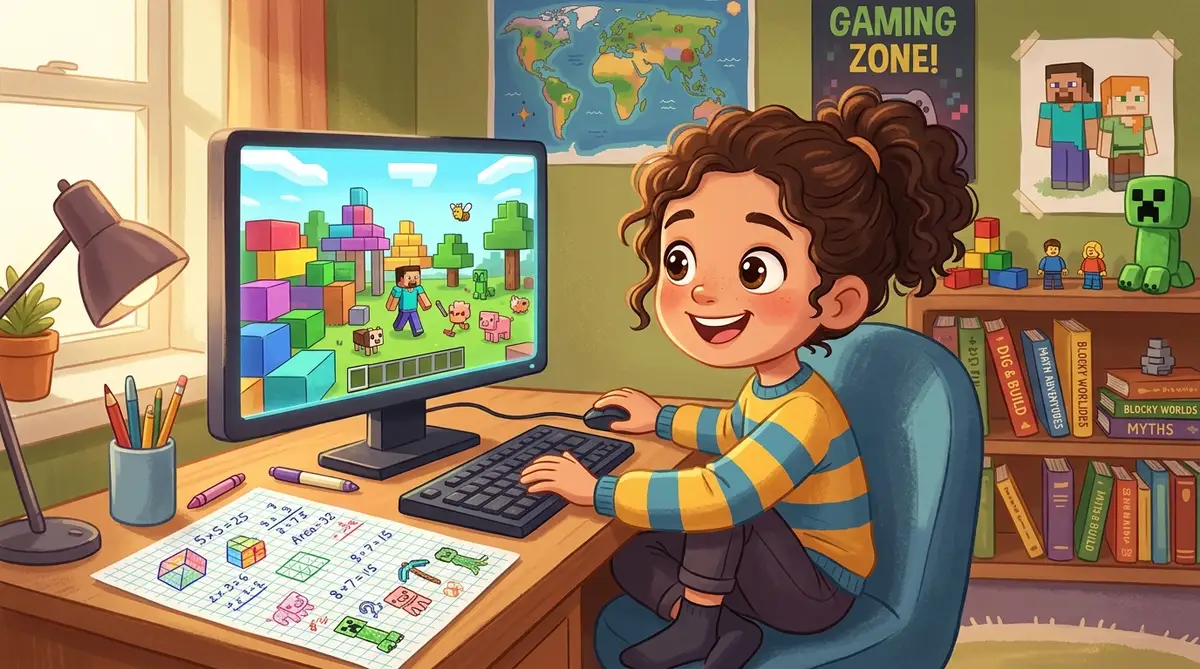
In practice, a math session looks less like tutoring and more like a conversation. “You’re building a Minecraft house that’s 12 blocks wide and 8 blocks deep. How many blocks do you need for the floor?” He doesn’t think of it as math. He thinks of it as Minecraft planning. But he just did multiplication, and he got it right, and he wants to keep going.
Last week the tutor taught him about area and perimeter by having him design a Minecraft zoo with specific enclosure sizes for each animal. He spent 45 minutes on it. Voluntarily. On math. If you have a kid with ADHD, you know how wild that sounds.
Our Daughter’s Approach: Hands-On Everything
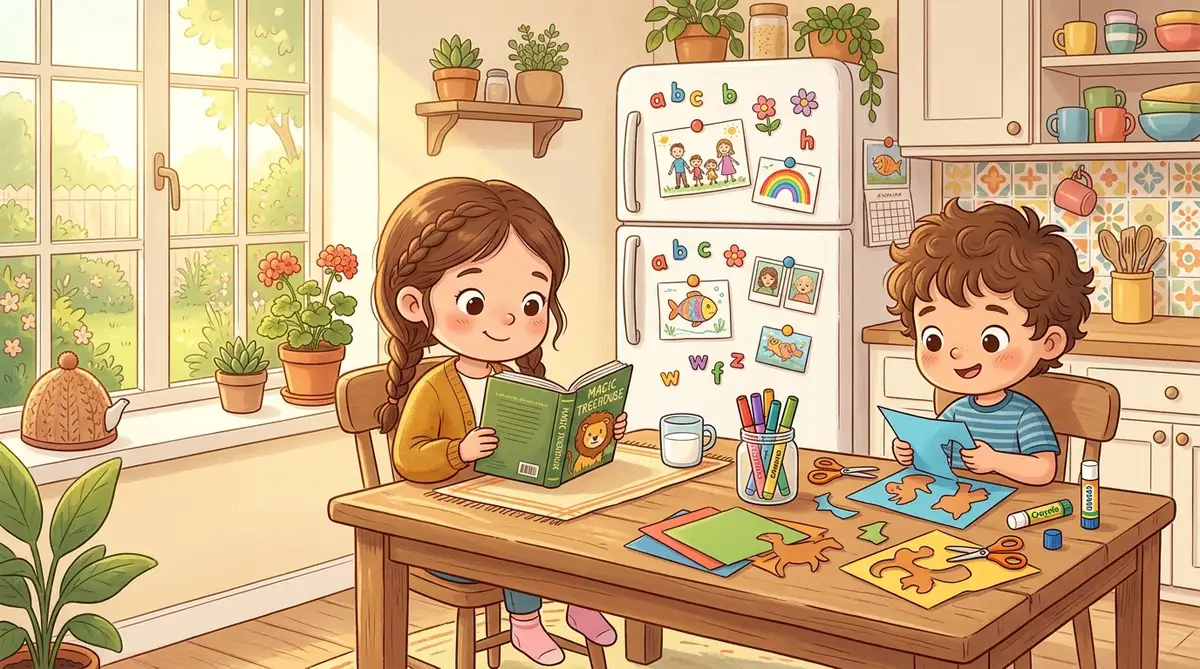
Our 7-year-old is the opposite learner. She likes workbooks, physical projects, and anything she can touch or create. She’d rather cut, glue, and color than type on a screen. She loves cats, arts and crafts, and completing things (she gets genuinely excited when she finishes a workbook page).
Her AI interactions are different. Instead of chatting back and forth, we use AI to generate activity ideas, craft instructions, and printable worksheets that match what she’s interested in.
Craft-Based Learning Prompt
Create a hands-on math activity for a 7-year-old who loves crafts and cats. The activity should teach basic fractions using materials we have at home (paper, scissors, markers, glue). Include step-by-step instructions she can follow mostly on her own. Make it feel like an art project, not a math lesson.
AI generates a project where she cuts paper circles into halves and quarters to make a “cat face fraction” collage. She’s doing fractions. She thinks she’s making cat art. Everyone wins.
We also use AI to create custom word searches, crossword puzzles, and scavenger hunt clues based on whatever she’s currently interested in. Last week it was planets. This week it’s ocean animals. The AI adapts the educational content to her current obsession, which keeps her engaged without us having to come up with new ideas every day.
Her favorite so far: AI generated a “cat adoption center” math game where she had to calculate food portions, cage sizes, and adoption fees for imaginary cats. She played it for an hour and asked to do it again the next day. Fractions, multiplication, and addition, all disguised as running a cat rescue.
Ms. Frizzle: The Experiential Learning Assistant
Beyond the individual tutors, we built a shared educational assistant inspired by Ms. Frizzle from The Magic School Bus. Its job is to turn any topic into an adventure.
“We want to learn about volcanoes” becomes a guided expedition with dramatic descriptions, questions the kids have to figure out, and a hands-on project at the end (baking soda volcano, obviously). “We want to learn about weather” becomes a week-long observation journal where they track conditions and make predictions.
Both kids use this one together. It works because the experiential format appeals to both learning styles: our son likes the adventure narrative, and our daughter likes the projects it assigns. Last month’s highlight was a “deep sea expedition” about ocean life that ended with both kids building a coral reef diorama out of clay and painted rocks. They still have it on the shelf.
What Surprised Us
The good: Our son will voluntarily do “tutoring” sessions now because they feel like games. That was unthinkable six months ago. Our daughter’s crafting has become more complex because AI generates projects slightly above her current level, which pushes her without frustrating her.
The unexpected: The kids started asking the tutors questions we hadn’t anticipated. Our son asked his tutor how computers actually work, which led to a two-week deep dive into binary and logic gates (he built a working calculator in Minecraft as the final project). Our daughter asked hers to help design a board game, which turned into a weeks-long project involving math, writing, and art. The board game now has rules, cards, and a hand-drawn game board. She wants to sell copies to her friends.
The honest: It’s not perfect. Sometimes the AI generates activities that are too easy or too hard. Sometimes our son loses interest even with the game format. Sometimes our daughter needs more hands-on guidance than text instructions can provide. We’re still there as parents. The AI doesn’t replace us; it gives us better tools.
Family Tip
How Any Parent Can Do This
You don’t need to be technical. Here’s the process step by step:
Step 1: Write down three things about your kid. What engages them? What shuts them down? What do they love outside of school? For our son it was: games, short bursts, hates worksheets. For our daughter: crafts, cats, loves finishing things.
Step 2: Create a custom GPT or project. In ChatGPT, go to “Explore GPTs” and click “Create.” In Claude, create a new Project with custom instructions. In the instructions, describe your kid’s learning profile and the rules you want the tutor to follow. Write it like you’re briefing a babysitter: “He has ADHD, keep things under 5 minutes, use Minecraft examples, never say ’let’s practice.'”
Step 3: Test it together. Sit with your kid the first few times. Watch what works and what doesn’t. Our son’s tutor originally tried 10-minute sessions, and we quickly learned that was too long. We shortened to 5 minutes and engagement doubled.
Step 4: Tweak the instructions. After a week, update based on what you observed. Add rules for things that didn’t work. Remove rules that weren’t needed. This is an ongoing process, not a one-time setup.
The whole setup takes an afternoon. The ongoing maintenance is maybe five minutes a week of tweaking instructions when something isn’t landing. For us, it turned AI from “a tool we sometimes use” into something genuinely woven into how our kids learn every day.
Our kids aren’t studying AI. They’re just learning the way they naturally learn, with an assistant that adapts to them instead of the other way around. That feels like the way education should work.
Share this article
If this helped, pass it along.